
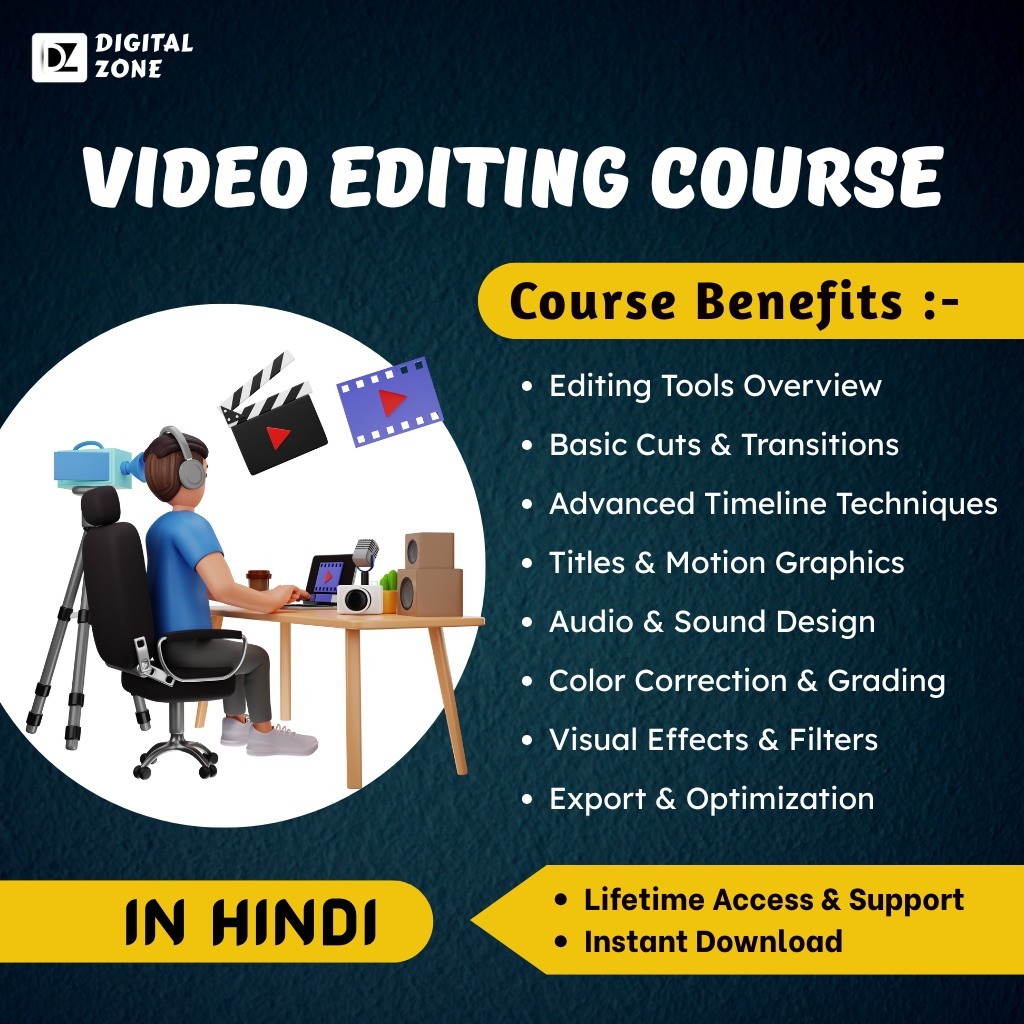
Video Editing Mastery Course
Learn to Edit Like a Pro – Create Stunning Videos with Ease!
Unlock the full power of video storytelling with our Video Editing Mastery Course – a complete training program designed for beginners, creators, influencers, and aspiring editors. This course gives you step-by-step training on industry-standard tools and techniques to help you create polished, professional-quality videos for YouTube, Instagram, reels, short films, client projects, and more.
📚 Course Modules Included:
1️⃣ Editing Tools Overview
Get introduced to top video editing platforms like Adobe Premiere Pro, DaVinci Resolve, and mobile-friendly apps. Learn how to set up your workspace, navigate the interface, and start your first editing project with confidence.
2️⃣ Basic Cuts & Transitions
Master the foundation of editing – trimming clips, splitting footage, arranging timelines, and using smooth transitions like cross-dissolves, fades, and wipes to create clean, flowing edits.
3️⃣ Advanced Timeline Techniques
Take your skills to the next level with multi-layered editing. Learn how to nest sequences, use adjustment layers, apply speed ramping, reverse footage, and manage complex timelines with precision.
4️⃣ Titles & Motion Graphics
Learn how to create and animate engaging titles, lower thirds, intro/outro screens, and text overlays using keyframes, motion presets, and custom animations that enhance storytelling.
5️⃣ Audio & Sound Design
Edit and enhance audio with professional techniques – syncing voiceovers, reducing noise, balancing levels, and adding background music or sound effects that bring your video to life.
6️⃣ Color Correction & Grading
Learn to fix exposure, white balance, and colors using curves, scopes, and LUTs. Apply cinematic color grading techniques to give your videos a polished, high-end look.
7️⃣ Visual Effects & Filters
Add creativity and depth with built-in visual effects, transitions, overlays, and filters. Explore green screen (chroma key), masking, blending modes, and third-party plug-ins.
8️⃣ Export & Optimization
Render your final videos in the right formats for YouTube, Instagram, Reels, or client delivery. Learn compression techniques, resolution settings, and best practices for fast, high-quality exports.
✅ Why Choose This Course?
🔐 One-Time Payment – No Monthly Subscription
♾️ Lifetime Access to All Course Content
⚡ Instant Access After Payment
📲 Accessible on Mobile & Desktop
📂 Only 1 GB Storage Required for Full Course Download
🎯 Who Is This Course For?
- Aspiring YouTubers and Content Creators
- Influencers and Social Media Managers
- Freelancers and Video Editors
- Bloggers and Small Business Owners
- Students and Hobbyists
📢 Whether you’re editing for fun, freelancing, or building your brand — this course gives you everything you need to create professional videos that stand out.
🛒 Buy Now on Digital Zone | 🚀 Start Instantly | 🎥 100% Practical, Creative & Beginner-Friendly


Reviews
There are no reviews yet.